The Sweetdate theme offers three demo options. These include the Default Demo, Modern Demo and Travel Demo. While importing either of these demos to your WordPress site, we recommend doing this on a fresh install.
To import the Modern demo, you will need to carry out the following:
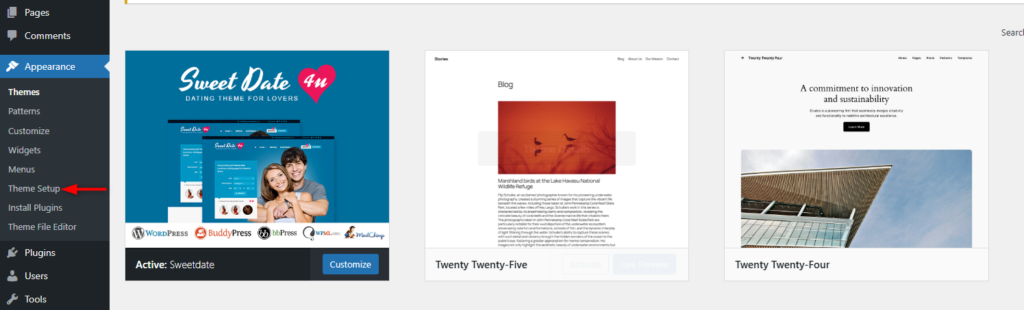
1. Navigate to the Appearance > Theme Setup section within your WordPress dashboard
2. Within the demo import wizard rendered, you will need to carry out the following:
i) Install the child theme
ii) Install the bundled plugins
iii) Import the Content
Upon carrying this out, a success message should be rendered.
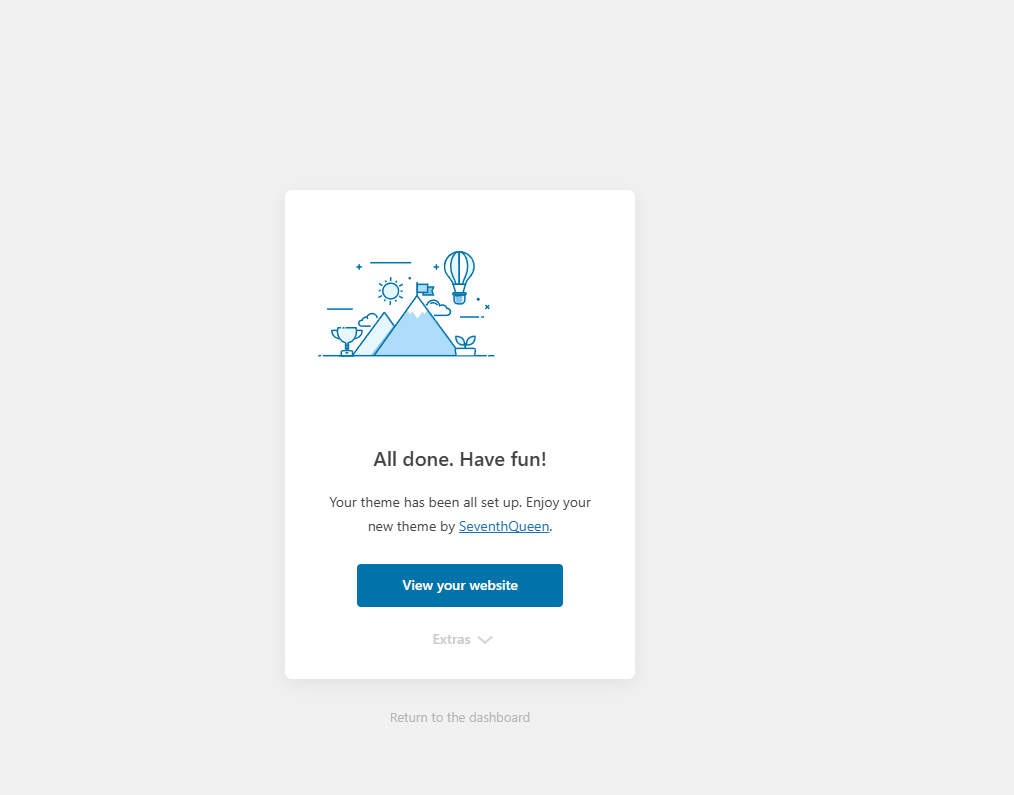
3. Navigate back to your WordPress dashboard by clicking the “Return to dashboard” link
4. If you had not downloaded “All Files and Documentation” while downloading the theme, head over to the downloads link here: https://themeforest.net/downloads and do so, next to the theme
5. Extract the zip file that you downloaded, and in it, you will find the “Main Files” directory
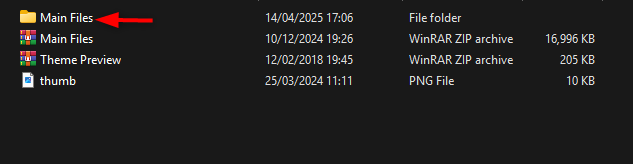
6. In it, navigate to the Main Files > Demo Content > site styles directory, and here you will find a modern.txt file

Open the file and copy its contents
7. Within your WordPress dashboard, head over to the SweetDate > Import/Export section
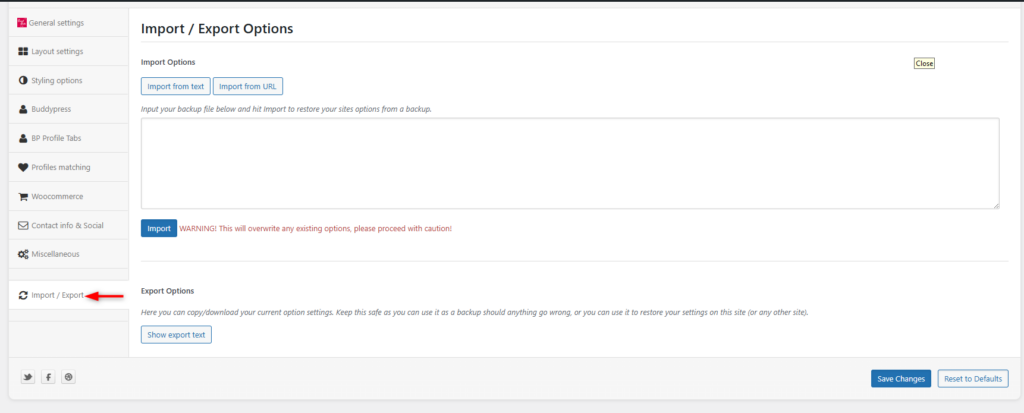
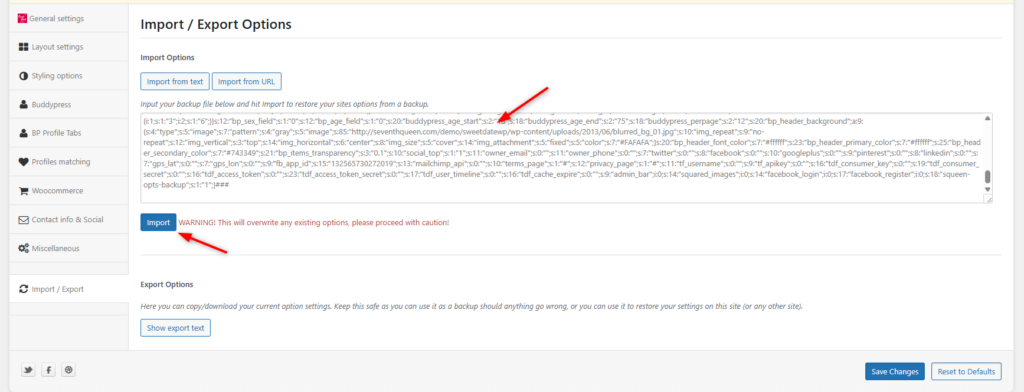
8. Paste the options that you copied in 6 above within the “Import Options” field and click on the “Import” button
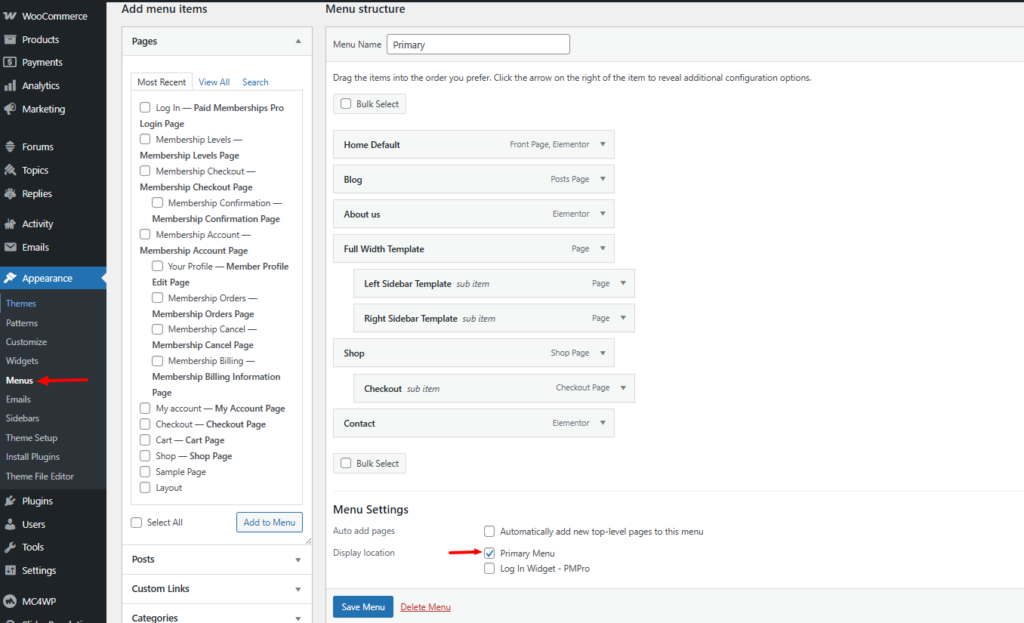
9. Configure your desired menu items from the Appearance > Menu section within your WordPress dashboard
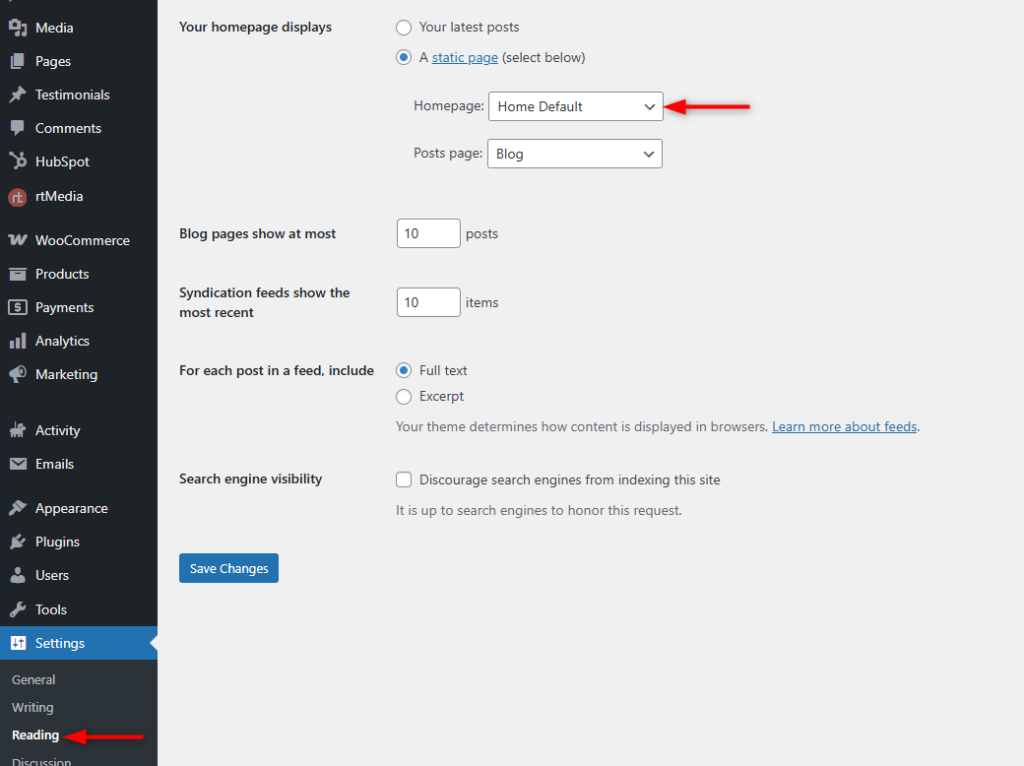
10. Next, navigate to the Settings > Reading section within your WordPress dashboard and set your Homepage to “Home Default”