
WP Bakery, formerly Visual Composer, is a plugin that will help you manage the visuals of your content. Websites have complex grid layouts with columns, tabs, sliders etc which are easily achieved using WP Bakery.
Plugin Installation
WP Bakery installation can be done automatically after the theme install. This is achievable from the Appearance > Install Plugins section.
Concept
After installing and enabling WP Bakery plugin you can start creating your layouts. There’s one concept/design pattern you should know.
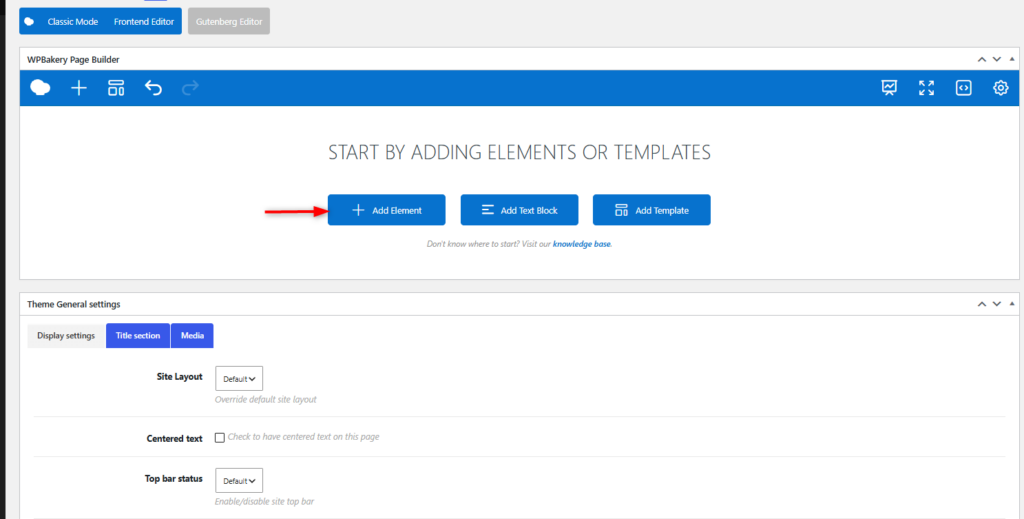
In the WP Bakery editor mode you’ll have “Add element” button, which you should click to add content block or row to your page.
Clicking the “Add element” button will show the content element selection menu.
Content blocks are divided into categories (Show all, Content, Social, Structure, WordPress Widgets, BuddyPress, bbPress, WooCommerce, Deprecated, More add-ons).
